 Boletto
Made for UK small businesses
Photo in.
Renamed scan out.
Boletto turns receipt photos into clean scans. Each one is named with the date, shop, total and VAT, then saved to your folder.
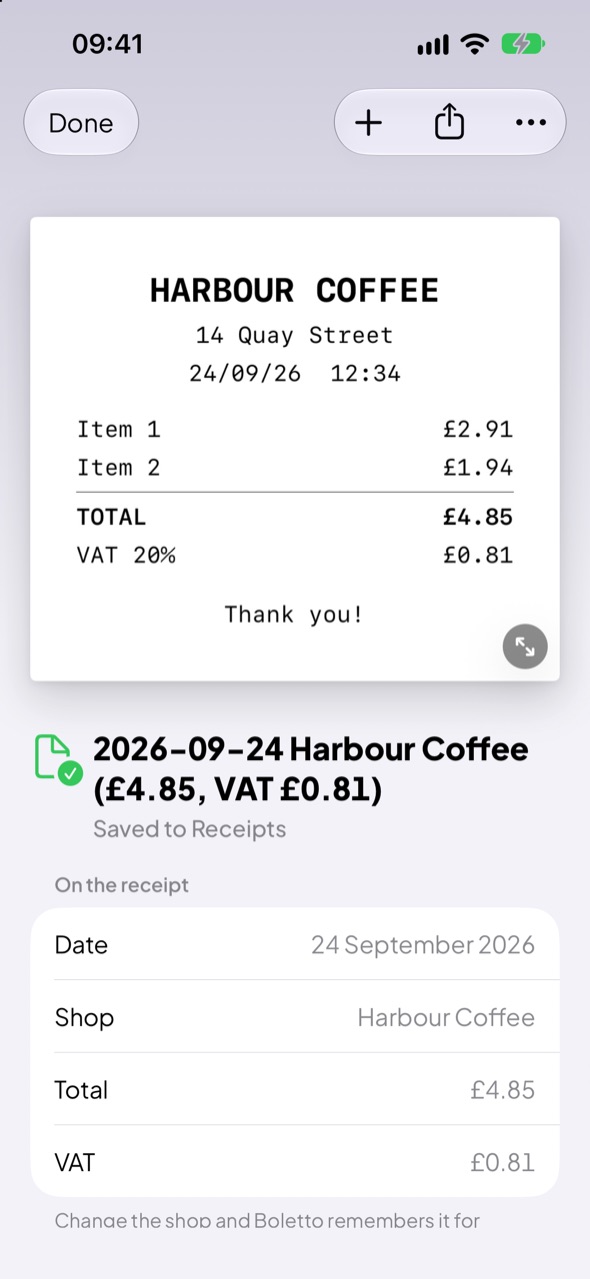
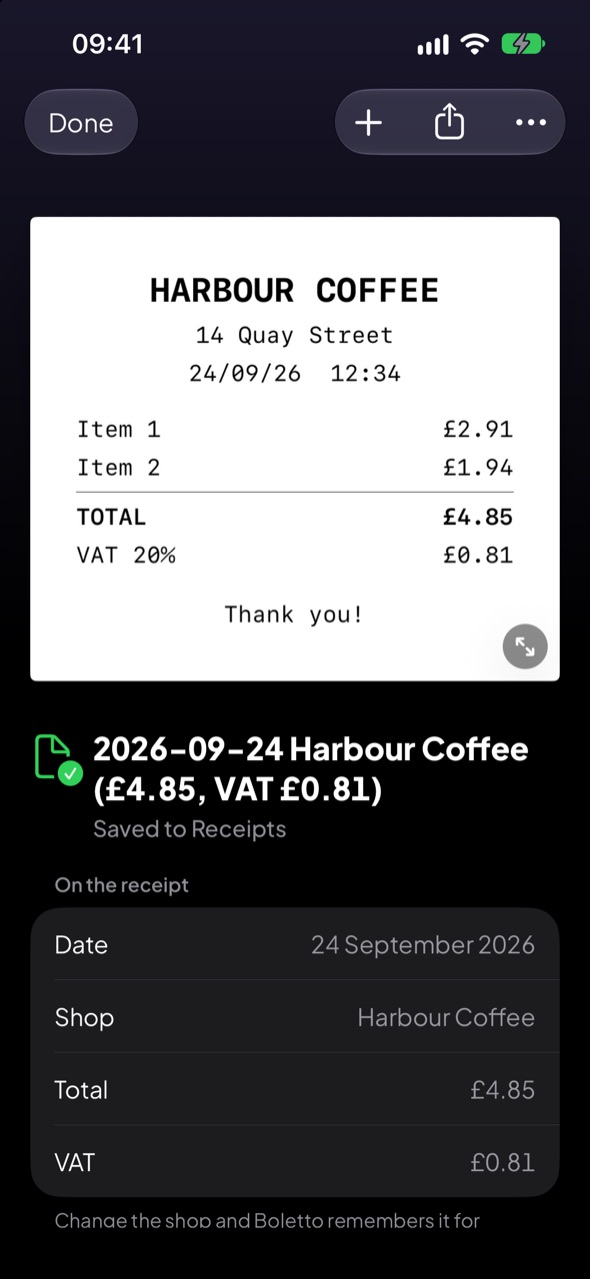
Any photo will do
Crooked, creased or on the kitchen table. Boletto crops it, straightens it and cleans it up.
How it works
Add your receipts
Take a photo or pick one from Photos or Files. You can also share PDFs from your email. One receipt or fifty.
Boletto scans them
Each receipt is cropped, straightened and cleaned up. Then it’s named with the date, shop, total and VAT.
Saved to your folder
Pick a folder once, in iCloud Drive or anywhere in the Files app. Every scan goes there as a PDF.
- 2026-09-25 Taxi Madrid (€13.25)
- 2026-09-24 Harbour Coffee (£4.85, VAT £0.81)
- 2026-09-23 Greenway Market (£18.40)
- 2026-09-22 Northside Fuel (£62.10, VAT £10.35)
- 2026-09-21 Kiln Street Kitchen (£46.50, VAT £7.75)
- 2026-09-19 Paper & Pen Co (£23.99, VAT £4.00)
- 2026-09-18 The Brass Anchor (£31.20, VAT £5.20)
File names your bookkeeping can use
VAT only when it’s shown
Boletto uses the VAT amount on the receipt. It never works VAT out from the total.
Receipts from abroad
They keep their own currency, with no VAT.
Your format
Date first or shop first. VAT in the name or left out.
Fix a shop once
Change a shop’s name and Boletto remembers it for next time.
Any kind of UK business
VAT registered or not.
Just the receipts
Your bookkeeping software does the rest.
- Categories
- Line items
- Expense reports
- Budgets
- Charts
Only sees what you share
Boletto never looks through your email or photos. Only the receipts you add are sent, to be scanned. Your scans are saved to your folder. The list of receipts stays on your phone.
No account. No ads. No tracking on this website.
Questions
Where are my scans saved?
In the folder you pick when you set up Boletto. It can be in iCloud Drive or anywhere in the Files app. You can change it in Settings.
Does it work with PDF receipts?
Yes. Share a PDF from your email or pick one from Files.
What if a name is wrong?
Tap the receipt to change the date, shop, total or VAT. The file is renamed in your folder.
What if I scan the same receipt twice?
Boletto spots possible duplicates and asks before saving a copy.
Something else? Email support@boletto.co.uk